


Most people don’t think much about backups until they actually need one.
A failed drive, accidental deletion, Windows issue, or an unexpected system crash can turn routine work into hours of recovery—or permanent data loss. Setting up a backup solution early is usually far easier than trying to restore missing files later.
To help more users build a safer backup routine, CBackup is currently offering a limited-time Premium giveaway, allowing eligible users to access advanced backup features at no cost.
What Does CBackup Do?
CBackup is a Windows backup utility built to simplify everyday data protection.
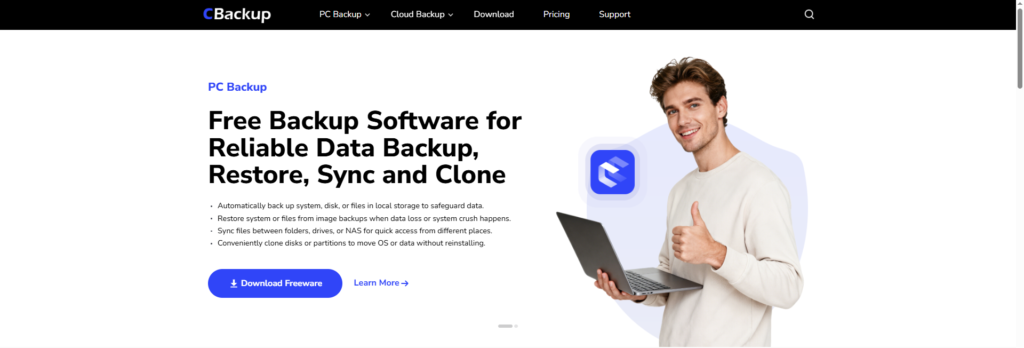
Instead of manually copying files or maintaining multiple storage devices, it provides automated backup and recovery options designed for regular users as well as people managing larger amounts of local data.
The focus is straightforward: protect data, reduce manual work, and make recovery easier when needed.
Features Included in the Premium Version
Scheduled Backup for Ongoing Protection
Create automatic backup tasks for:
- Windows system
- Entire disks
- Individual files and folders
Once configured, backups can run automatically in the background to reduce the risk of missing important updates.
Restore Files or Recover Your System
If files are deleted unexpectedly or Windows becomes unstable, backup images can be used to restore data or recover previous system states more efficiently.
File Sync Across Storage Locations
Keep files consistent between:
- Local folders
- Internal or external drives
- NAS devices
This can be useful for users who access files from different locations or maintain duplicate working environments.
Disk and Partition Cloning
When replacing storage hardware or migrating to SSD, cloning tools allow users to transfer operating systems or data without reinstalling applications and system settings.
Giveaway Details
As part of the current campaign, users can claim:
✔ Free access to CBackup Premium
✔ Premium backup and recovery features
✔ Limited-time availability
Claim the giveaway here:
https://apps.cbackup.com/giveaway-web
Who Should Consider It?
This giveaway may be especially relevant for:
- Users upgrading their PCs or storage devices
- People storing important personal documents
- Remote workers managing local files
- Anyone who wants automatic backup instead of manual copying
- Users looking for a simpler disaster recovery setup
Final Note
Backup software isn’t something most people notice when everything works normally—but it becomes valuable the moment something doesn’t.
If you’ve been putting off setting up a backup strategy, this giveaway provides an easy opportunity to test a premium solution without making a purchase first.
